
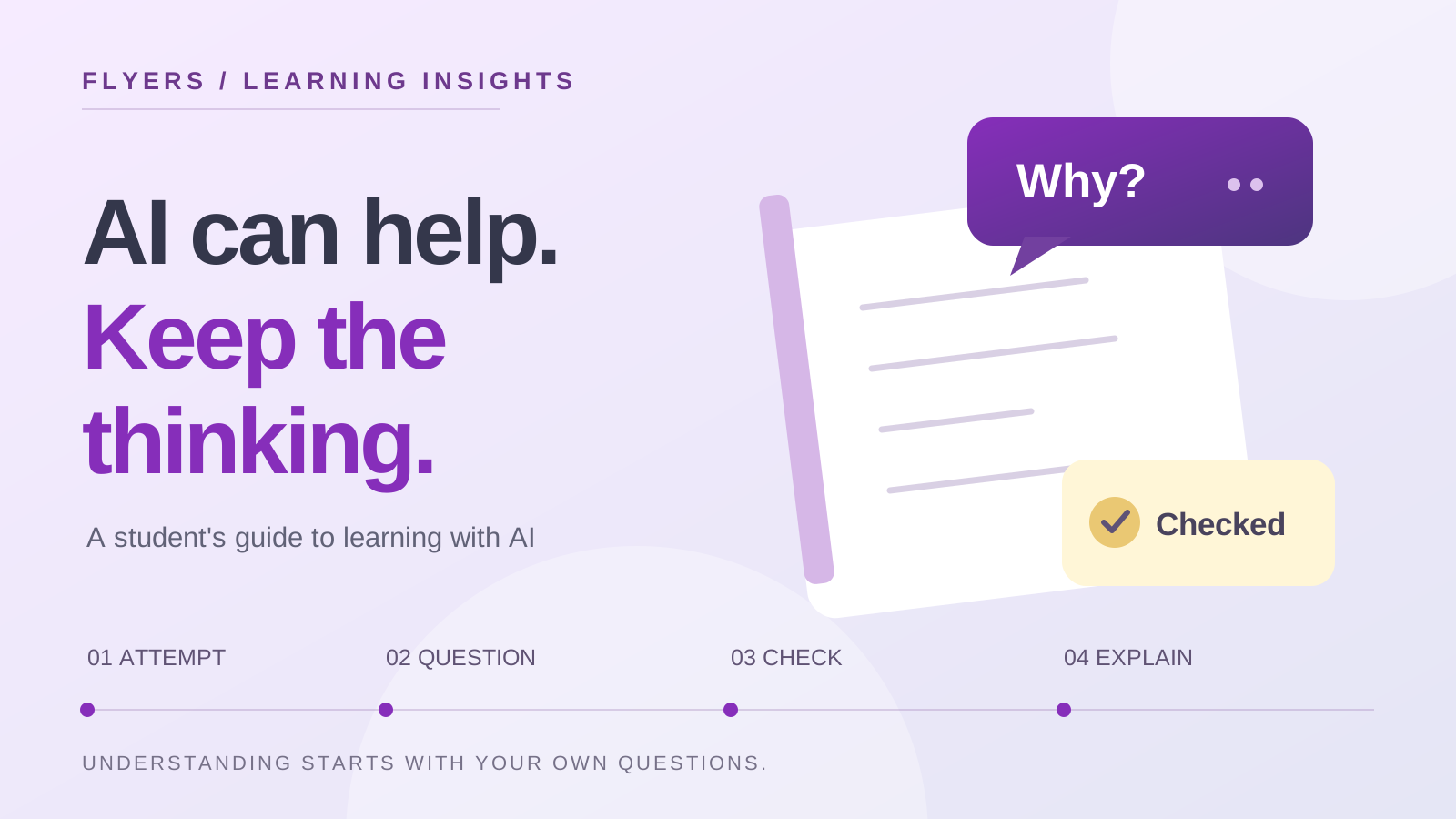
You ask an AI tool to explain a difficult topic. The answer is clear, the example makes sense, and the homework takes half the usual time. Then you close the chat and try a similar question. Suddenly, you are unsure where to begin.
That gap is worth paying attention to. A finished task and a learned skill are different things. As AI becomes part of everyday study, students need a way to tell which one they are getting.
What the 2026 research adds
The OECD Digital Education Outlook 2026, published in January, draws an important distinction. General-purpose AI can improve the work students produce without necessarily improving what they learn. Tools and activities designed around teaching principles show more promise than simply supplying solutions. The report describes an emerging evidence base, so it should not be read as a verdict that every AI tool helps, or that every use harms learning.
For students, a useful question follows: what will I be able to do after this conversation that I could not do before it?
A study routine to try: attempt, question, check, explain
The following routine is our practical suggestion, rather than a tested programme or an official OECD framework. Use it for independent practice where your school permits AI.
1. Make an attempt before opening the chat
Write down what you know, try the calculation, or sketch your argument. Mark the exact point where you get stuck. Even an incomplete attempt gives you something specific to discuss.
For example, “I can rearrange this equation, but I do not understand why the sign changes here” gives a clearer starting point than “teach me algebra”. Keep your first attempt so you can compare your reasoning afterwards.
2. Ask for a question or a hint
Try a request such as:
I am practising this topic. Ask me one question at a time to help me find the next step. Wait for my answer before continuing, and do not give me the full solution yet.
For an essay plan, you might ask the tool to identify an assumption you should examine. For a science explanation, ask it to question the link between two steps. The purpose is to keep making decisions yourself, rather than approving decisions the tool has already made.
3. Check the part that matters
Choose a claim, calculation or reference from the response and verify it independently. Use your textbook, course materials, an official source or a teacher's explanation. Open cited sources and check that they exist and support the claim; a plausible-looking reference is not enough.
If two explanations disagree, record the disagreement. A specific question to bring to a teacher is more useful than silently choosing the answer that sounds most confident.
4. Close the tool and explain it yourself
Solve a fresh question, explain the idea aloud, or write a short account without looking at the conversation. Include why your method works and where it might fail.
If you cannot do that yet, identify the missing step and return to it. Keep the independent attempt as your evidence of progress. A longer chat history is not, by itself, evidence that you understand more.
What this looks like in different subjects
| Subject | A useful practice request | Your independent check |
|---|---|---|
| Mathematics | “Give me a hint about my next step.” | Solve a different question without the chat. |
| History | “What assumption in my argument needs evidence?” | Find and evaluate the evidence yourself. |
| Science | “Ask me to explain each link in this process.” | Draw and explain the process from memory. |
| Coding | “Help me design a test for this function.” | Run the test, inspect the result and explain the behaviour. |
These are examples to adapt, not instructions to use AI in assessed work. A subject teacher may set different boundaries for a particular task.
Agree the boundaries before using it
Ask your school or teacher what is permitted for the work in front of you. Keep independent practice separate from assessed work, follow any acknowledgement requirements, and do not submit generated work as your own. If the rules are unclear, ask before using the tool.
Choose tools that meet their age requirements and your school's guidance. Avoid uploading personal details, another student's work or private school documents. Where feedback would help, use an invented example or a short anonymised extract that you are permitted to share.
UNESCO's AI competency framework for students places ethical awareness and critical judgement alongside technical understanding. Being good with AI includes deciding whether a tool belongs in a task, and being able to question what it gives you.
A better conversation for parents and mentors
Instead of only asking, “Did you finish?”, try three follow-up questions:
- What did you try before asking for help?
- What did you check or disagree with?
- What can you now explain without the tool?
The answers can reveal where a student needs a clearer explanation, more practice or human feedback. They also give the student a way to describe their own progress without relying on a polished piece of output.
Choose one small change this week
Pick a topic you already need to practise. Make an unaided attempt, use one hint if allowed, then close the tool and try again with a new question. Save both attempts and note what changed in your reasoning.
At Flyers Academy, our focus is helping students build understanding, develop original projects and explain their own decisions. Whether a student uses a textbook, a tutor or an AI tool, that independent thinking should remain visible in the work.
Published 4 November 2026. Research links checked on that date. The study routine and examples above are Flyers Academy's practical guidance; they are not an endorsement of a particular AI product.